
A mobile phone stops charging. The first thought might be that its charging port is damaged. Another phone switches on, but the screen remains black, making the display look like the obvious problem. However, the actual fault may be somewhere else entirely.
This is one of the most important lessons in mobile repairing: the symptom you see is not always the component causing the problem.
Replacing parts without proper diagnosis can waste time, increase repair costs, and sometimes introduce additional faults. A skilled technician follows a systematic process to understand what is happening before deciding which component needs attention.
Whether you are interested in electronics or considering a career in mobile servicing, understanding mobile hardware fault diagnosis is a valuable starting point.
What Is Mobile Hardware Fault Diagnosis?
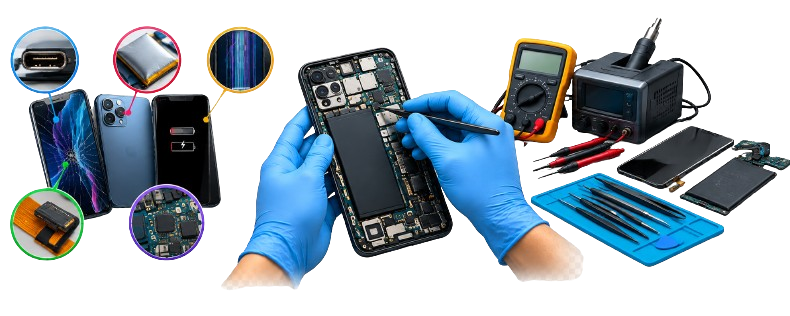
Hardware fault diagnosis in mobile devices involves pinpointing the exact physical or electronic issues that exist within a smartphone device. This could range from issues to do with the battery, the charging port, the screen, flex cables, motherboard issues, among others.
Unlike software fault diagnosis, hardware diagnosis involves physically examining the issues and using appropriate testing devices.
This is because an uncharged phone could result from issues such as damaged cables, loose charging port, faulty battery, or charging circuitry issues.
The role of a technician in this case is not just replacing the suspected part but rather collecting enough evidence and using appropriate testing tools to establish the exact issue.
1. Start with the Customer's Complaint
Before a technician opens a phone, he or she must know what has transpired.
Questions that need asking include the time the issue began, if the phone was dropped, if there was any exposure to liquids, and whether there had been any previous attempts to repair the phone.
All these factors could be helpful.
For instance, where the phone stopped functioning right after being dropped, then damage to the connector, display assembly, and/or motherboard could be a good place to begin. In cases where charging issues have occurred gradually, the charging port, cable, battery and charging circuitry could be a good starting point.
The complaint itself does not prove that there is an issue, but it helps to focus on some possible causes.
2. Perform a Careful Visual Inspection
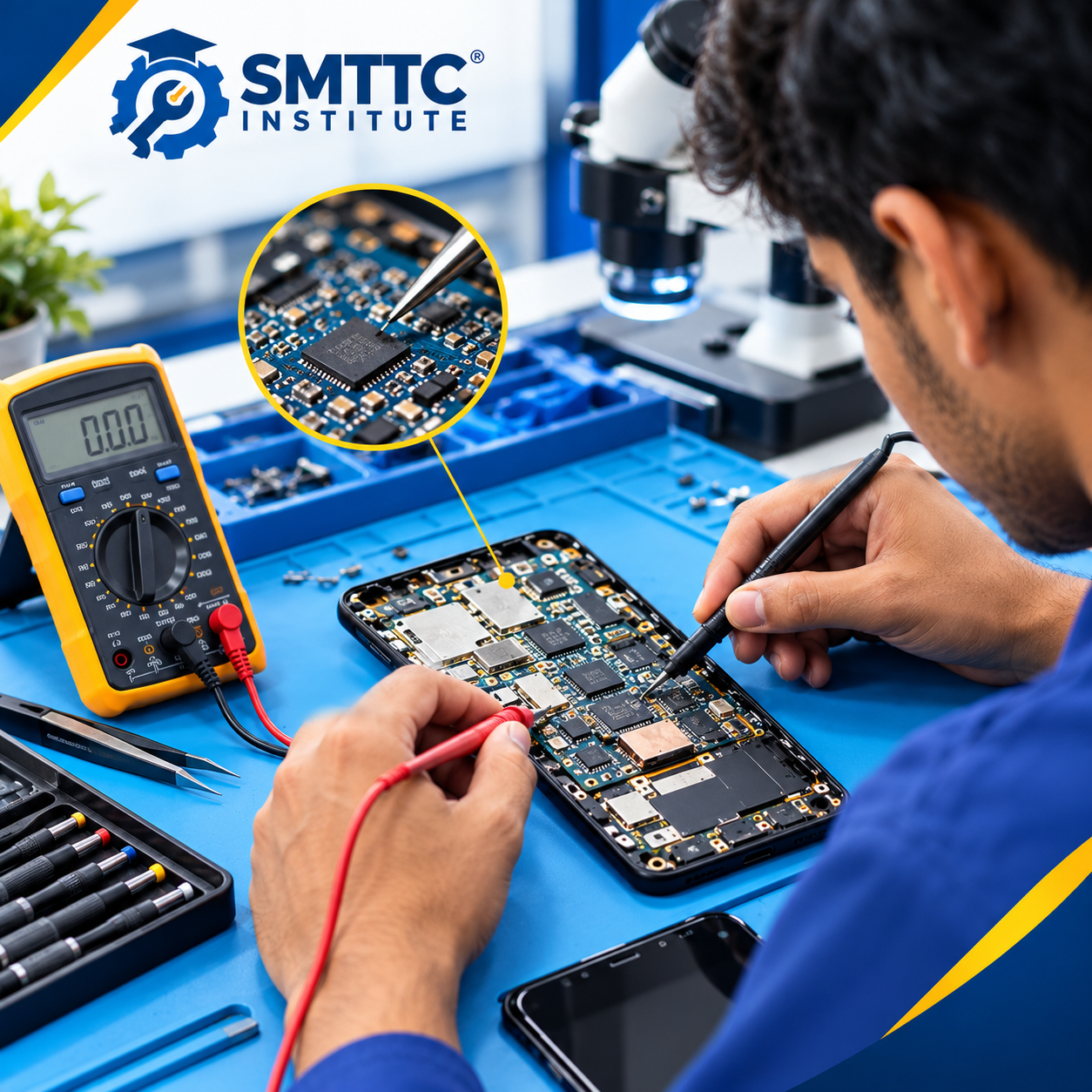
A visual inspection is one of the simplest yet most useful steps in mobile hardware repair.
Before performing internal checks, examine the phone's exterior for signs of impact, a bent frame, damaged connectors, corrosion indicators, or other visible abnormalities.
If internal inspection is appropriate, a trained technician may look for:
-
Damaged or disconnected flex cables
-
Bent or broken connectors
-
Signs of liquid exposure or corrosion
-
Burn marks or visibly damaged components
-
Cracked solder joints or damaged circuit-board areas
Not every hardware fault is visible. A component can fail electrically while looking completely normal. Visual inspection should therefore guide further testing rather than replace it.
Phones with swollen batteries or signs of overheating require particular care. A damaged lithium-ion battery should not be punctured, compressed, or subjected to improvised testing.
3. Understand the Difference Between a Symptom and a Fault
One common mistake beginners make is assuming that a particular symptom always points to one specific component.
In reality, several faults can produce similar results.
|
Observed symptom |
Possible causes to investigate |
Appropriate next step |
|
Phone does not power on |
Battery, power connection, power circuit or motherboard fault |
Inspect the device and follow suitable power diagnostics |
|
Phone does not charge |
Cable, charging port, battery or charging circuit |
Check compatible charging accessories and inspect the connector |
|
Screen remains black |
Display assembly, display connection or board-level fault |
Establish whether the phone powers on and inspect the display path |
|
Battery drains quickly |
Battery deterioration, software activity or hardware-related power consumption |
Assess battery condition and investigate abnormal consumption |
|
Phone heats unusually |
Battery fault, short circuit or another component issue |
Stop use if overheating is severe and arrange professional inspection |
These are possible causes, not definitive diagnoses. The purpose of troubleshooting is to distinguish between them through evidence.
4. Use the Right Tools for Testing
A technician needs more than a collection of repair tools. Understanding what each tool can and cannot establish is equally important.
Digital multimeter
A digital multimeter can measure voltage, resistance, and continuity when used in the appropriate mode. It can help a technician investigate certain electrical connections and circuit conditions.
However, a reading must be interpreted correctly. A continuity result alone does not prove that a component is functioning properly, and testing procedures vary according to the circuit.
DC power supply
A suitable current-limited DC power supply can support certain professional diagnostic procedures when used with the correct equipment, connection method, and device-specific specifications.
Current behaviour may provide clues about a phone's power consumption, but it does not independently identify every fault. Incorrect voltage, polarity, or connections can damage the device.
Magnification and inspection tools
A microscope or suitable magnification equipment can help technicians inspect small connectors, solder joints, corrosion, and tiny motherboard components that are difficult to see clearly with the naked eye.
ESD protection and precision tools
Electrostatic discharge protection helps reduce the risk of damaging sensitive electronic components. Appropriate precision tools are also important when handling compact connectors and phone assemblies.
Using the correct equipment and following safe procedures is essential, particularly when working with exposed circuit boards and lithium-ion batteries.
5. Follow a Step-by-Step Diagnosis Process
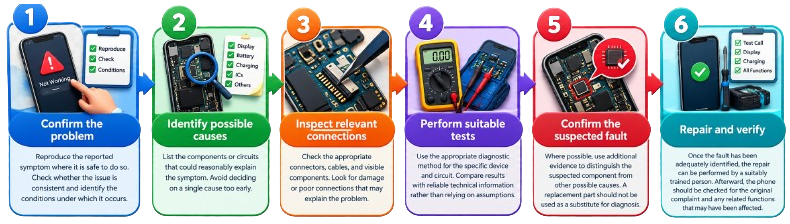
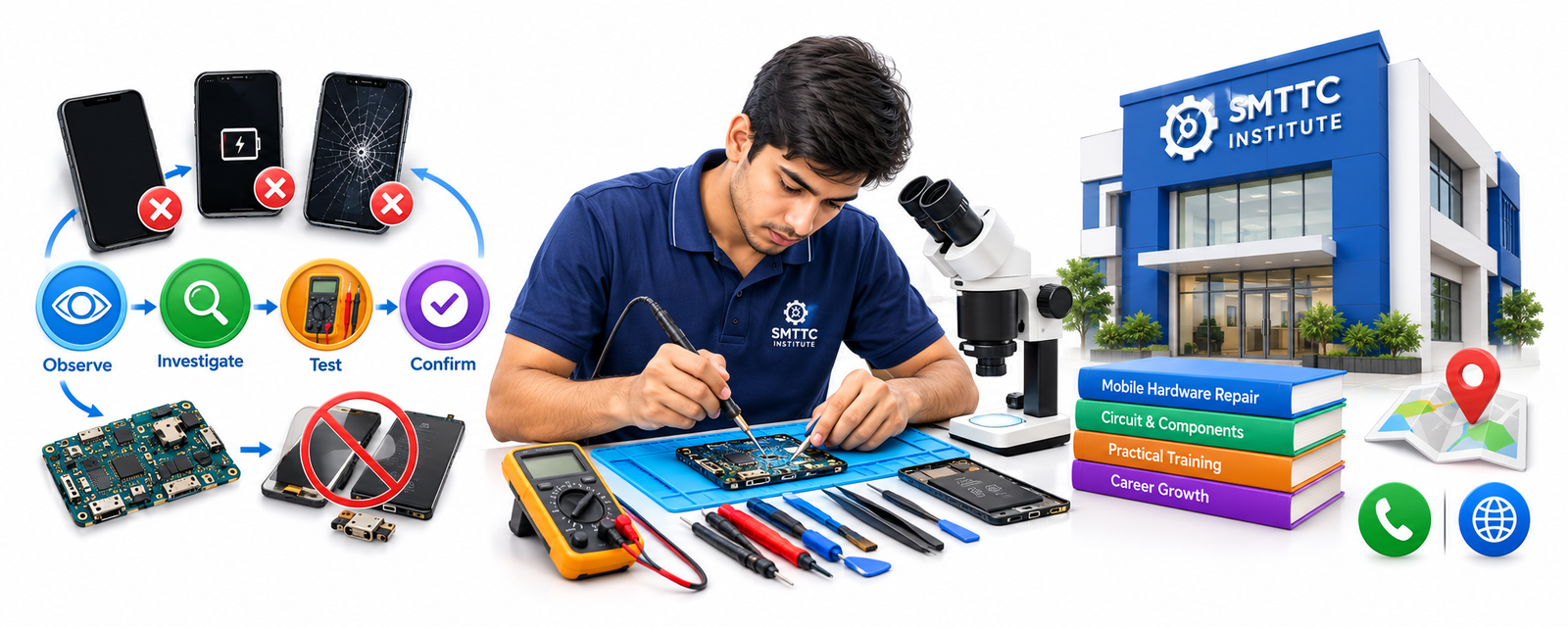
A structured approach makes mobile hardware troubleshooting more reliable. Instead of jumping directly to component replacement, work through a logical sequence.
Step 1: Confirm the problem
Reproduce the reported symptom where it is safe to do so. Check whether the issue is consistent and identify the conditions under which it occurs.
Step 2: Identify possible causes
List the components or circuits that could reasonably explain the symptom. Avoid deciding on a single cause too early.
Step 3: Inspect relevant connections
Check the appropriate connectors, cables, and visible components. Look for damage or poor connections that may explain the problem.
Step 4: Perform suitable tests
Use the appropriate diagnostic method for the specific device and circuit. Compare results with reliable technical information rather than relying on assumptions.
Step 5: Confirm the suspected fault
Where possible, use additional evidence to distinguish the suspected component from other possible causes. A replacement part should not be used as a substitute for diagnosis.
Step 6: Repair and verify
Once the fault has been adequately identified, the repair can be performed by a suitably trained person. Afterward, the phone should be checked for the original complaint and any related functions that may have been affected.
This process helps reduce guesswork and encourages a more professional approach to mobile repair work.
6. Common Diagnostic Mistakes Beginners Should Avoid
Learning to recognise mistakes is an important part of developing technical ability.
Replacing components based on assumptions: A phone that will not charge does not automatically need a new charging port. Other causes must be considered.
Ignoring the simplest possibilities: A damaged cable, loose connection, or incorrectly connected component may explain a problem that initially appears complicated.
Misinterpreting multimeter readings: Measurements need to be understood in the context of the circuit being tested. An isolated reading rarely tells the entire story.
Overlooking previous damage: Earlier repairs, liquid exposure, or impact damage may affect multiple areas of the phone.
Skipping the final check: A repair is not complete simply because the device switches on. The original problem and relevant functions should be verified before returning the device to the customer.
Avoiding these mistakes can improve diagnostic accuracy and reduce unnecessary component replacements.
7. Why Motherboard Faults Require Special Attention
The motherboard of mobile devices is composed of many small components and interlocking circuits. It depends on the particular device if the problem involves any of its connectors, passive components, integrated circuits, damaged tracks, or some other portion of the motherboard.
If the phone has a motherboard issue, then there could be signs like inability to switch on the phone, problems related to charging or power consumption, or some other functional issues.
However, it is also possible that the signs appear due to problems elsewhere. The technician should not make a diagnosis of motherboard malfunction without proper evidence.
Motherboard troubleshooting demands good understanding of circuitry behaviour, ability to identify the parts, measuring procedures, and tools for repairs. Micro soldering and replacements of components should only be done with proper training and tools.
It is better for beginners to learn about basic hardware first before starting complex work on motherboards.
8. How Practical Training Helps Develop Diagnostic Skills
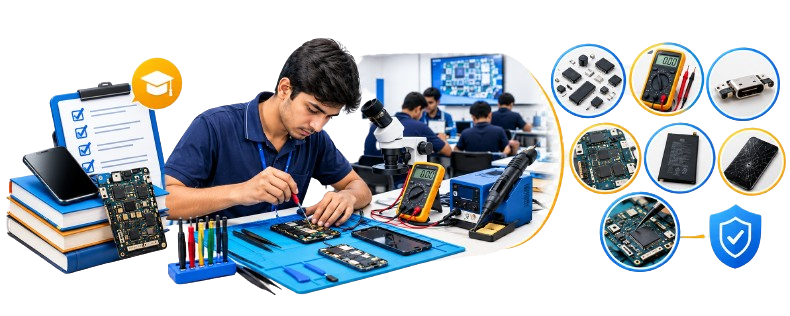
Reading about electronic components is useful, but diagnosing real faults requires practice. Learners need opportunities to understand how components connect, how testing equipment works, and how different faults affect a device.
A structured Mobile Hardware Repairing programme may cover component identification, basic circuit concepts, multimeter use, connector inspection, charging-related faults, and introductory troubleshooting methods.
Before choosing a course, students should check whether the syllabus includes supervised practical sessions, suitable tools, and guidance on safe handling procedures.
Those searching for a Mobile Repairing Course in Patna should also ask about the actual hardware modules offered and whether motherboard-level diagnosis is included. Course content can vary between institutes, so it is worth confirming the details before enrolling.
At SMTTC Institute, prospective students can enquire about the available mobile repairing curriculum and practical training facilities to determine whether they match their learning goals.
Final Thoughts
Identifying mobile hardware faults is a process of observation, testing, and careful reasoning. A black screen does not always mean a damaged display, and a charging problem does not automatically indicate a faulty charging port.
The better approach is to understand the symptom, investigate the possible causes, use suitable diagnostic tools, and confirm the fault before replacing any component.
For anyone interested in mobile hardware repair, developing these habits can be just as important as learning to use a soldering iron. Strong diagnostic fundamentals provide a useful starting point for progressing towards more advanced smartphone repairs.
Learn Mobile Repairing Skills with SMTTC Institute
Interested in developing technical skills in mobile hardware repair? Contact Smart Technical Training Institute (SMTTC) to enquire about the available Mobile Repairing Course, practical training modules, and course details.
Institute: Smart Technical Training Institute (SMTTC)
Address: Near Hi-Tech Hospital, Saguna More, Balaji Nagar, New Tarachak, Danapur, Patna, Bihar – 801503
Phone: 7870516006
Website: https://smttcinstitute.com/
Learn the basics. Practise with guidance. Build your technical skills.